
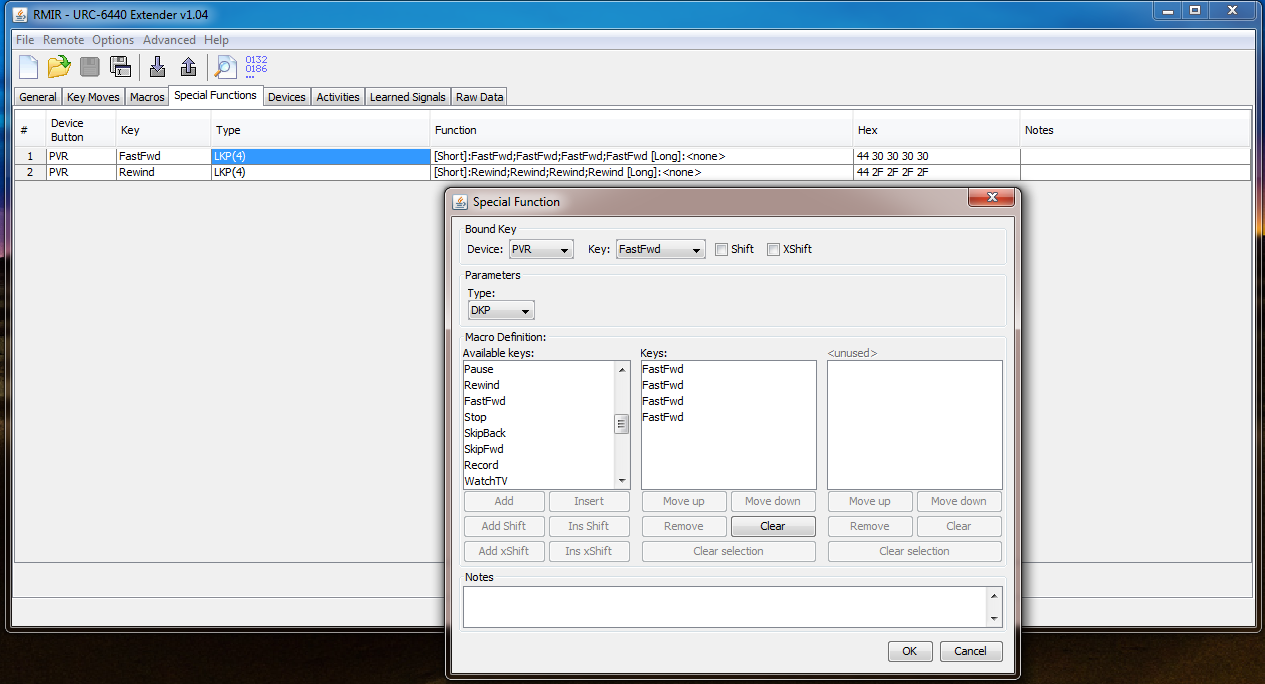
-Setup a macro so that when in the PVR device, and press the forward button twice (DKP), or rewind button twice, the macro presses those buttons four times.
But when I set them up and click ok, they show up as LKP(4).
And then they don't work lol
Moderator: Moderators
All edited many times:...trying to do now is set up a macro so that when I hold down the power button it turns everything off (assuming everything is on to start with)..
- You may already appreciate that these buttons serve both for FastFwd and SkipFwd and for Rewind and SkipBack, which is illustrated by their split labels in the device editor....Setup a macro so that when in the PVR device, and press the forward button twice (DKP), or rewind button twice, the macro presses those buttons four times...
Thanks for the screenshots:(in the DKP setup)...But when I set them up and click ok, they show up as LKP(4)...

Yes, the following sequence should still be ok for doing AllOff or AllOn, without the extender installed....I assume it's possible to write a macro which operates more than one device without having the extender installed?
Not at all, it's a bit of fun and good practice, and there's not so much else to do these days. It took me ages to get the hang of shift cloaking and by coincidence that has reminded me when I needed it for the first time only yesterday......I feel like I'm wasting people's time now...
 especially as I have plenty to learn too...so please keep on asking or correcting if needed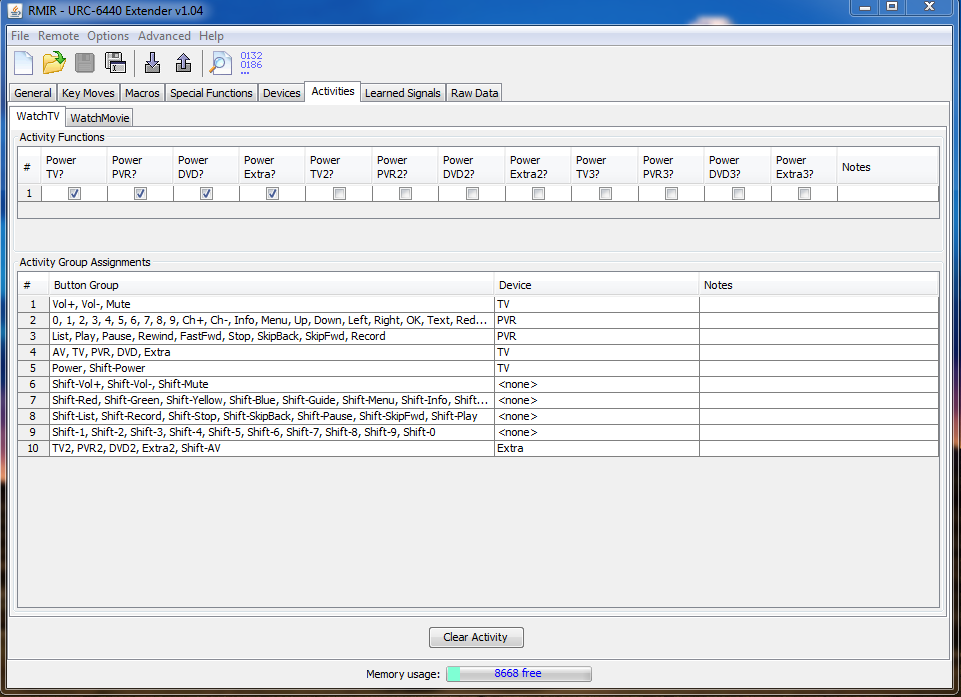

That is ok, as long as you don't forget that you weren't going ever to use them in the WatchTv activity mode and it's not cheating because 'Comb-Controls' are built-in functions....Is this an acceptable way to get the power combo working on everything (because I don't plan on ever using those buttons)...
 . But of course I've got a few questions about it..
This is what the "Create missing upgrades" button is for. It should create the upgrade for you to edit as you wish.JezW wrote:1. If the discrete power off OBC for my TV is 152, how would I program this into the control if there is no TV device in the devices tab of RMIR for me to edit? Or I would have to create one there?